
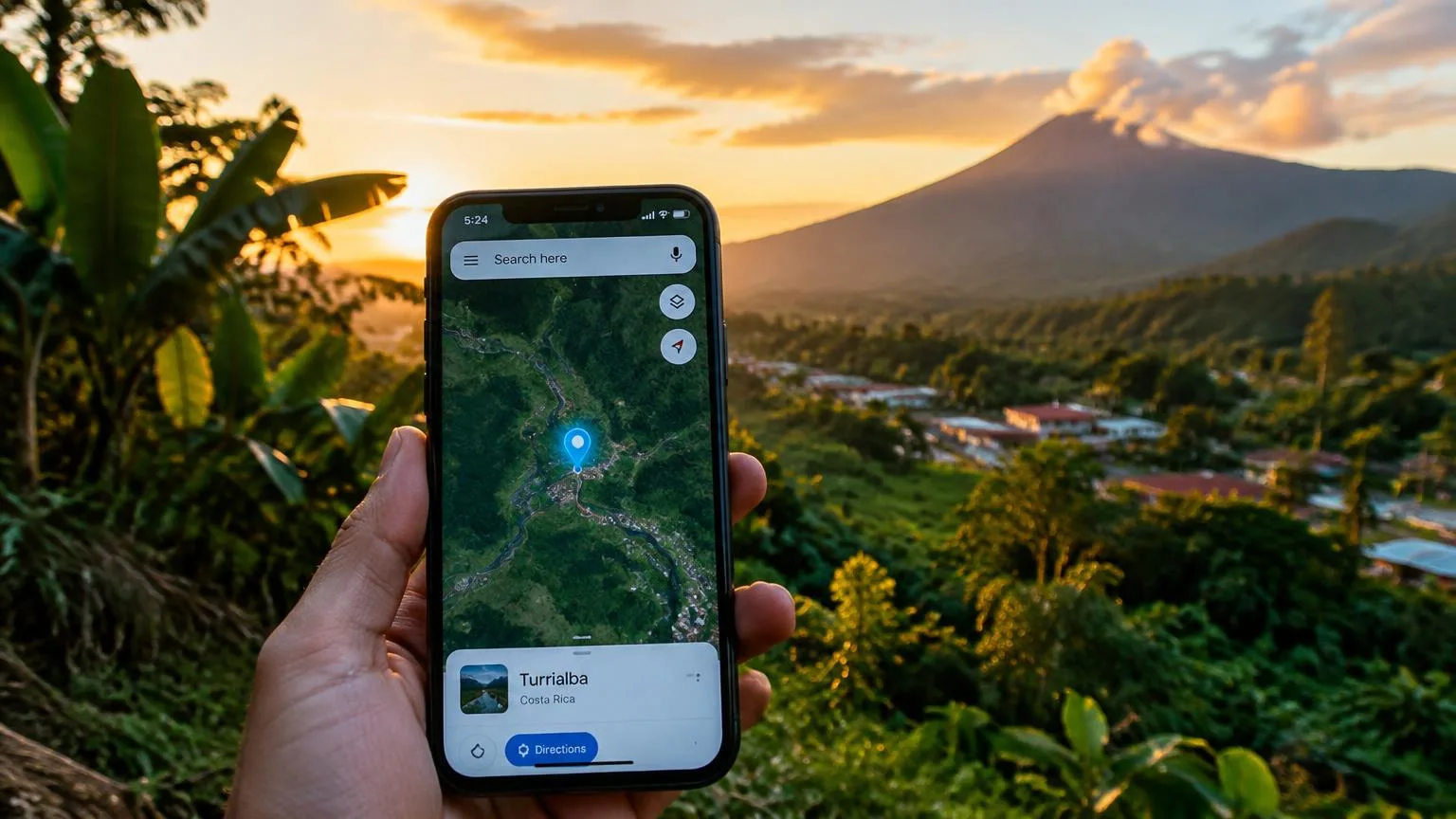
Hotels rank for “near me” and destination searches based on how well they match the search, where they're located, and how established they are online. Accurate hotel information, genuine guest reviews, and useful content can all help you show up in these results.
Think about someone typing "hotels near me" after a long drive or "beachfront hotel in Miami with breakfast" while planning a vacation. If they don't have a specific hotel in mind yet, your property has a chance to get noticed and earn a direct booking.
In this guide, we'll look at how these searches work, what affects your ranking, and how to improve your Google Business Profile and website so more travelers can find you.
What Is the Difference Between “Near Me” and Destination Searches?
The main difference between "near me" and destination searches is how travelers specify where they want to stay. A "near me" search uses the location Google associates with the search, while a destination search names a specific city, neighborhood, or area.
For example, someone walking around Times Square might search for "hotels near me," while someone planning a vacation from another country might look for a "boutique hotel in Paris." Travelers don't need to be physically present in a destination to search for hotels there.
Both types of searches can lead to Google Maps listings, hotel results, or individual hotel websites.
Good to know: Appearing in Google's hotel search results doesn't automatically mean your direct booking link will appear. Google ranks free booking links separately to determine which ones to display.
Check out a few examples of how travelers search and what your hotel should communicate to match their needs:
| Search example | What the traveler wants | What your hotel should make clear |
|---|---|---|
| "Hotels near me" | Accommodation near the location Google associates with their search | Your location and the type of stay you offer |
| "Hotel in La Fortuna with parking" | A hotel in a specific destination with parking available | Your location and parking arrangements |
| "Pet-friendly hotel near Lake Tahoe" | Accommodation near the lake that welcomes pets | Your pet policy and distance from the lake |
| "Family hotel near Cancun airport" | A convenient place for a family to stay before or after a flight | Airport travel times, transportation options, and family rooms |
| "Hotel near me for tonight" | A nearby room available on short notice | Current availability, check-in hours, and how to book |
What Helps Your Hotel Appear in Nearby Searches?
Google uses three main factors to determine which hotels and other local businesses appear in local search results:
- Relevance: How closely your hotel matches what someone is searching for. For example, if a traveler needs a hotel with parking, Google looks for properties that match that requirement.
- Distance: How close your hotel is to the location associated with the search. This could be the traveler's current location or a specific area they've searched for.
- Prominence: How well-known your hotel is, based on signals such as guest reviews and links from other websites, including local backlinks from tourism organizations or regional publications.
You can improve relevance by giving Google accurate, detailed information about your property. However, your hotel's physical location still matters. Even with a well-optimized profile, a property several miles away may not rank higher than hotels closer to where someone wants to stay.
Make Your Google Business Profile Reflect Your Hotel
Your Google Business Profile helps travelers find essential information about your property before they visit your website. It also helps Google understand where your hotel is located and what it offers.
Make sure your profile includes:
- A verified listing: Verify your profile and make sure your team has access to manage it.
- An accurate address and map pin: Check that your address is correct and the pin marks your property's actual location.
- The right business category: Choose the category that best describes your property, whether it's a hotel, resort, or another type of lodging.
- Your official website: Link directly to your hotel's website so travelers can explore your rooms and booking options.
- Up-to-date amenities: Include the facilities and services you actually provide, such as parking, Wi-Fi, a pool, breakfast, or on-site dining.
Photos are equally useful for helping travelers decide whether your hotel is right for them. Add high-quality images of your rooms, common areas, entrance, and surroundings so guests can get a realistic sense of what to expect.
Build Trust Through Genuine Guest Reviews
Online reviews give travelers a better idea of what staying at your hotel is actually like. They can learn about room comfort, cleanliness, service, and other details from people who have already visited. Reviews also play a role in local SEO, as Google confirms that more reviews and positive ratings can help improve local rankings.
Here are a few ways to encourage and manage guest reviews:
- Ask for honest feedback: Invite guests to leave a review at checkout or through follow-up emails after their stay.
- Make reviewing easy: Share a direct link to your Google review page so guests don't have to search for it.
- Respond thoughtfully: Thank guests for their feedback and address concerns with helpful, specific responses.
- Pay attention to recurring comments: Look for patterns in guest feedback that could help you improve the experience.
Keep your responses genuine and focused on what each guest shares. There's no need to add local keywords or promotional language to your replies.
How Does Your Website Support Destination Searches?
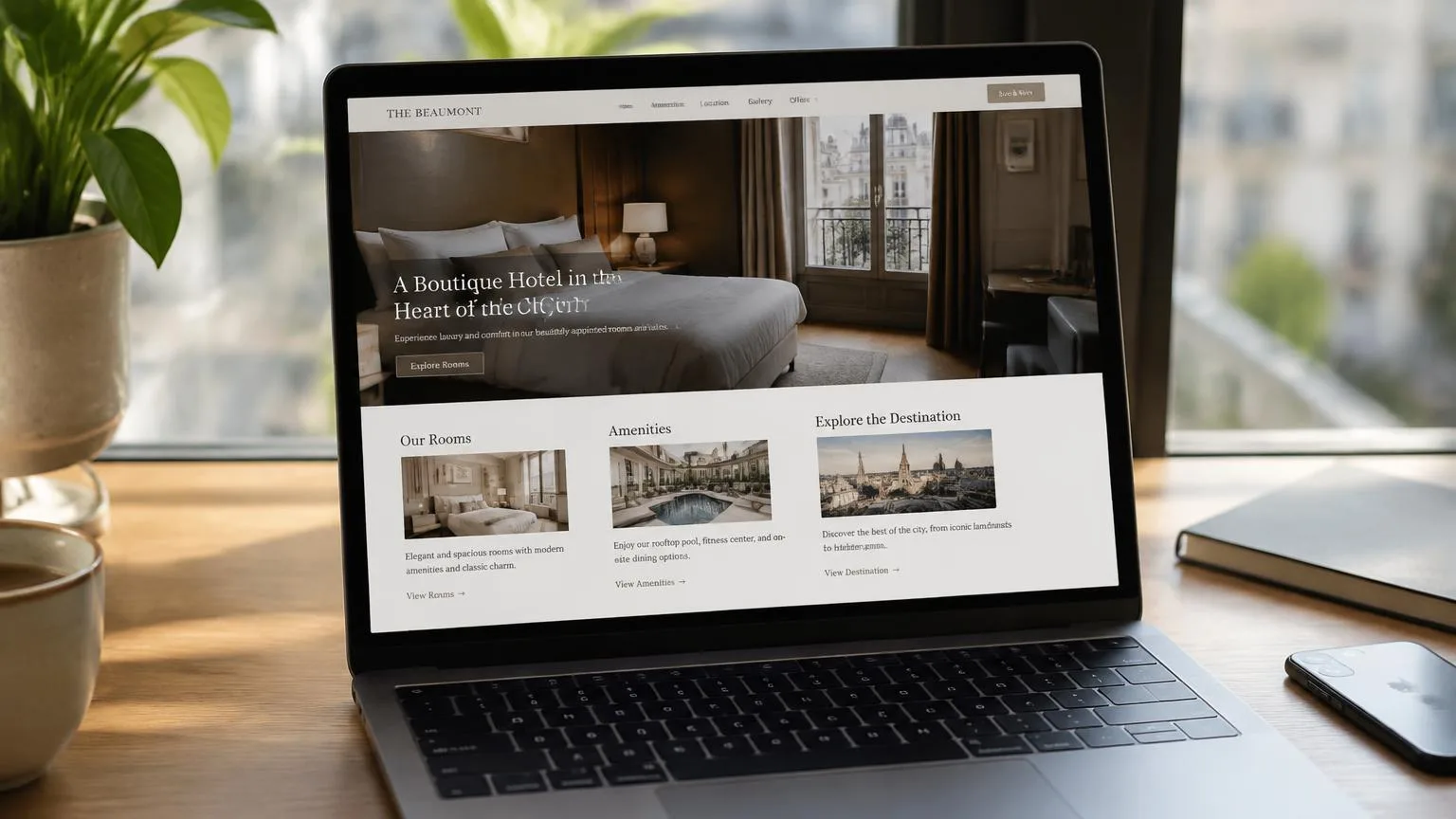
Your Google Business Profile gives travelers a quick introduction to your hotel, but your website can tell them much more. It's where you can explain what makes your location convenient, which types of stays you accommodate, and what guests should know before booking.
Clear, useful information also helps search engines understand which destination searches your pages are relevant to.
Make Your Location Useful to Travelers
Most travelers want to know more than which city your hotel is in. They want to understand how close they'll be to the places they plan to visit and how easy it will be to get around.
Make your location information more helpful by including:
- City and neighborhood: Clearly describe where your hotel is located and what guests can expect from the surrounding area.
- Directions: Explain how to reach your property, including any important turns, road conditions, or landmarks that first-time visitors should know about.
- Transportation options: Mention nearby public transportation, airport transfers, parking, or taxi services when available.
- Nearby attractions and events: Highlight places guests frequently visit, along with relevant local events that may influence their travel plans.
For example, instead of simply describing your hotel as having "a convenient location," explain that it's a 10-minute walk from a popular attraction, provide directions to a nearby venue, and mention the transportation options available. Just make sure any distances and travel times you publish are accurate and verified.
Match Your Pages to Specific Stay Requirements
Travelers often search for hotels with something specific in mind, whether that's family rooms, pet-friendly accommodations, parking, or easy airport access. If your property offers these features, your website should make them easy to find.
You can use keyword research tools like Google Keyword Planner to identify relevant long-tail keywords and understand how travelers describe these needs.
Here's how to make your existing pages more useful:
- Write descriptive page titles: Include the destination and relevant feature when appropriate, such as "Family Rooms in Playa del Carmen."
- Create helpful meta descriptions: Summarize what each page offers so travelers know what to expect before clicking.
- Use clear headings: Organize information about room capacity, amenities, policies, and other details so visitors can find answers quickly.
- Connect related pages: Link your location, room, and amenity pages to help guests explore the information they need before booking.
You don't need a separate page for every search variation. Start by making sure your existing pages clearly explain what your hotel offers, including any restrictions or additional fees that could affect a guest's decision.
Learn more on optimizing individual pages with our article: On-page SEO best practices for hotel websites.
How Can You Make Your Hotel Easier to Understand in AI Search?
Generative engine optimization (GEO) focuses on helping your hotel become more visible in AI-powered search experiences, such as Google's AI Overviews and conversational assistants.
Imagine a traveler asking, "What's a good family hotel in La Fortuna with parking?" To provide a useful answer, AI search systems need to understand which properties offer family-friendly rooms, where they're located, and whether parking is available.
The clearer your website is about these details, the easier it is for search systems to understand what your hotel offers.
Start by answering questions guests commonly ask:
- Room occupancy: How many adults and children can stay in each room?
- Parking: Is parking available, is there a fee, and do guests need to reserve a space?
- Pet policies: Are pets allowed, and are there any restrictions or additional charges?
- Location: Where is your hotel, and how can guests reach nearby attractions?
- Other guest needs: What should travelers know about accessibility, check-in times, transfers, or available services?
Use original descriptions that reflect your property rather than generic hotel marketing language. Keep important details in readable website text instead of relying on images or PDFs, and update your business information whenever something changes.
You don't need a special AI schema or an llms.txt file to appear in Google's AI search features. Google's guidance builds on existing SEO best practices, including making your content accessible, accurate, and helpful to travelers.
Need more ideas for creating useful website content? Check out our guide on what type of content works best for hotel websites for easy and practical tips.
How Can You Tell Whether Your Visibility Is Improving?
To understand whether your SEO efforts are working, look at how travelers find your hotel through search and what they do after reaching your website. You don't need to track every metric. Start with a few that show whether you're attracting the right visitors and turning that interest into bookings.
Here are three things worth checking:
- Search terms: Use Google Search Console to see which searches bring people to your site. Pay attention to destination searches that don't include your hotel's name, since these can show whether you're reaching travelers who aren't already familiar with your property.
- Website clicks from your Google Business Profile: Check how many people visit your website through your profile, where this information is available.
- Booking activity: Use your existing analytics tools to see whether visitors from organic search are submitting booking inquiries or completing reservations.
As you review your results, you'll come across two common metrics: an impression means your website appeared in search results, while a click means someone followed a search result to your website.
Avoid judging your performance based on a single Google search. Results can vary depending on location, device, and other factors, so what you see may differ from what potential guests see.
Instead, compare performance over similar periods and account for seasonal demand. For example, a rise in website clicks during peak travel season doesn't necessarily mean your rankings have improved. Look for consistent trends over time to get a clearer picture of your hotel's online visibility.
When Should You Get Expert Help With Your Hotel's Search Visibility?

There are several ways to improve your hotel's search visibility on your own. Keeping your business information accurate, adding helpful location details, describing your rooms and amenities clearly, and following up with guests for reviews are all good places to start. However, some SEO challenges require more time, expertise, or technical knowledge.
Consider getting professional support when you need to:
- Understand why your pages aren't appearing in search: Identify indexing issues or other problems that may be keeping travelers from finding your hotel.
- See how your hotel compares to competitors: Learn what competing properties are doing well and where you have opportunities to improve.
- Decide where to invest your resources: Focus your time and money on changes that can make the biggest difference.
- Resolve technical website issues: Address slow-loading pages, responsive design problems, or other issues affecting your site's performance.
- Manage SEO over time: Keep up with ongoing optimization, performance tracking, and reporting without adding more work to your team.
At Nativo, our hotel SEO services help you identify what's holding your hotel back in search and develop a plan to improve its visibility. From technical fixes to content optimization, we focus on helping more travelers discover your property and creating more opportunities for direct bookings.
Want to see where your hotel could improve? Contact Nativo today and let's talk about how we can help.
FAQs
Do I need to use "near me" in my hotel's website content?
No. You don't need to add "near me" to your website content to appear in these searches. Google uses location signals to identify nearby properties, so focus on providing accurate information about your hotel's location, neighborhood, and nearby attractions.
Can my hotel appear in destination searches made from another city or country?
Yes. Travelers can find your hotel when searching for a specific destination, even if they're planning their trip from another city or country. Clear location details and relevant website content help Google understand which destination searches your property matches.
How does my hotel's location affect its ranking in nearby searches?
Distance is one of Google's main local ranking factors. Hotels closer to the location associated with a search may have an advantage, but relevance and prominence also influence which properties appear. Accurate business information can help Google understand your location, but it won't change how far your hotel is from the area being searched.
How do guest reviews influence my hotel's local search visibility?
Google confirms that review quantity and positive ratings can help improve local rankings. Reviews also give potential guests insight into your hotel's service, cleanliness, and overall experience, helping them decide whether to book.
Which website pages should I optimize for destination searches?
Start with your homepage and any existing location pages, then review your room and amenity pages. Make sure they clearly describe your hotel's destination and relevant features, such as family accommodations, parking, pet policies, or airport access.
Why does my hotel appear when travelers search its name but not when they search for hotels in the area?
When someone searches for your hotel by name, Google can identify the specific property they're looking for. Broader searches, such as "hotels in Miami," involve many competing properties, so your hotel's relevance, distance, and prominence have a greater influence on whether it appears.